Wednesday, March 11, 2020

FMP: Week 10 Wednesday

On Wednesday, I started working on the water VFX.

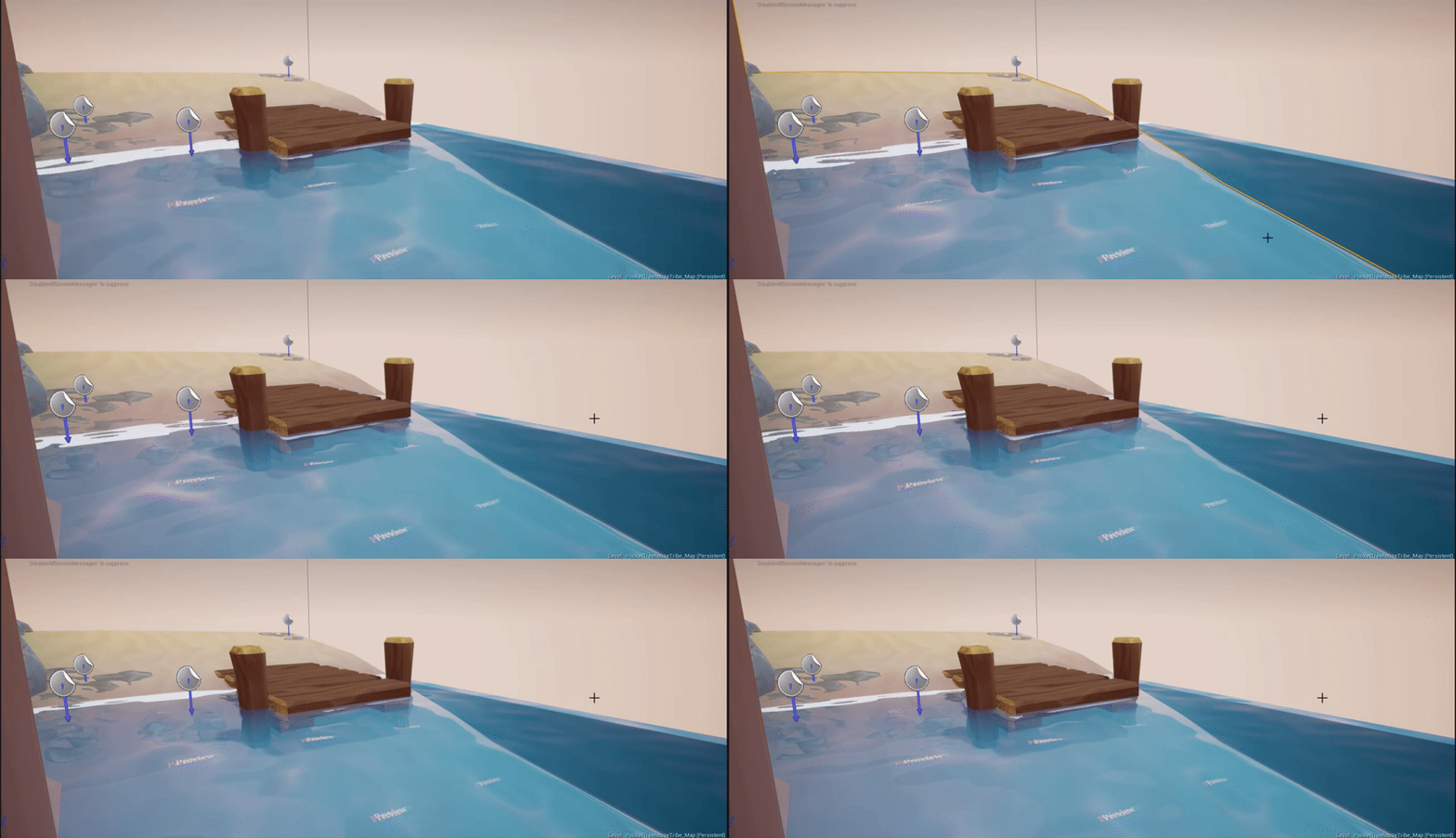
Resulting water
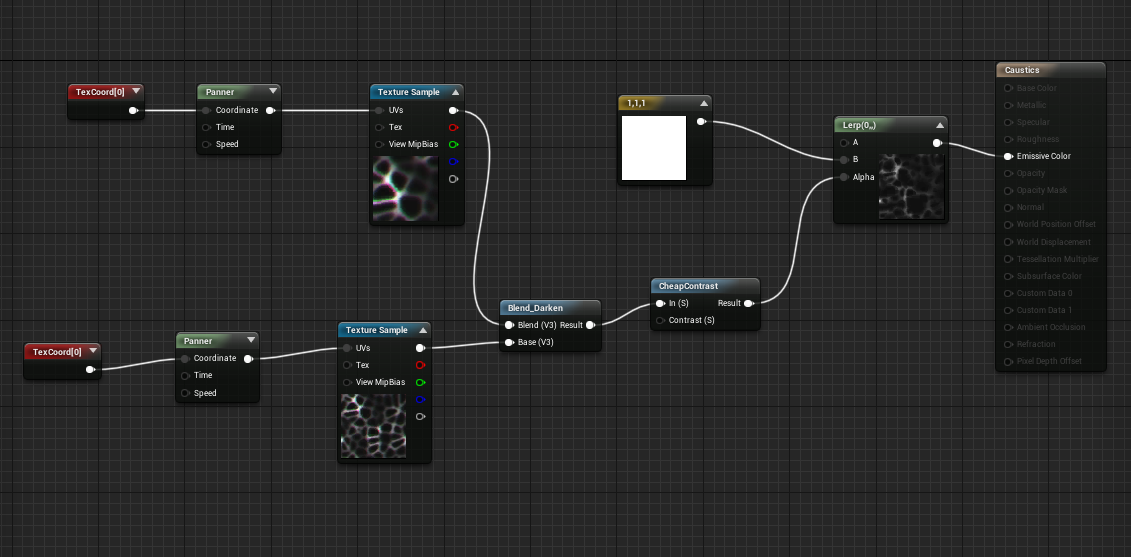
Light function material used for caustics with rectlights.

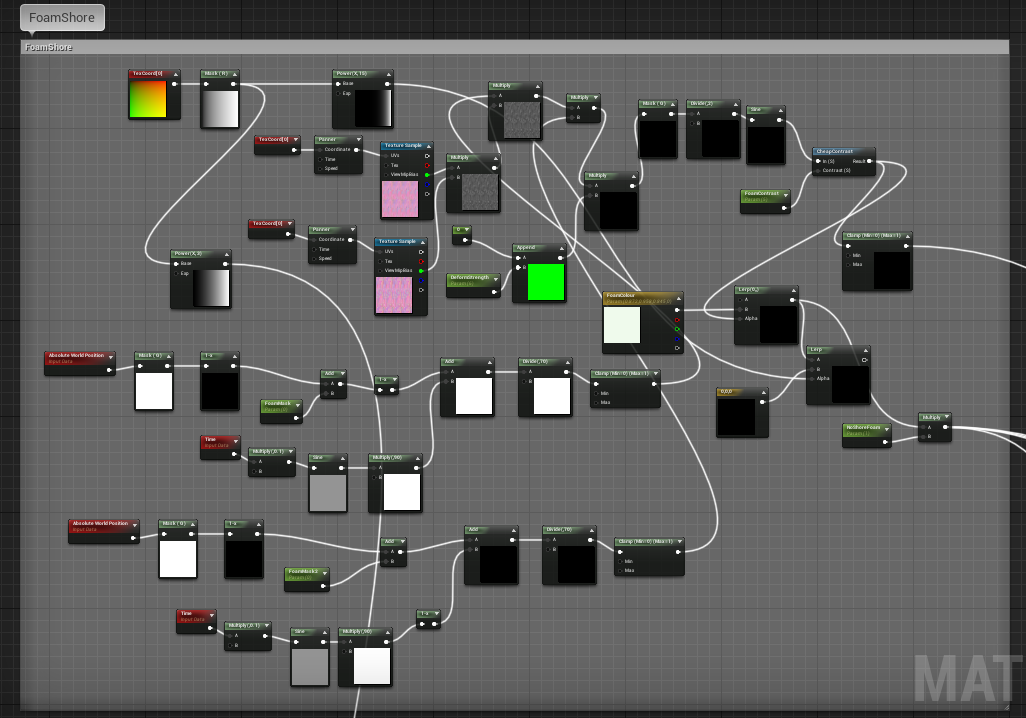
Animated foam strip that swings backwards and forwards.
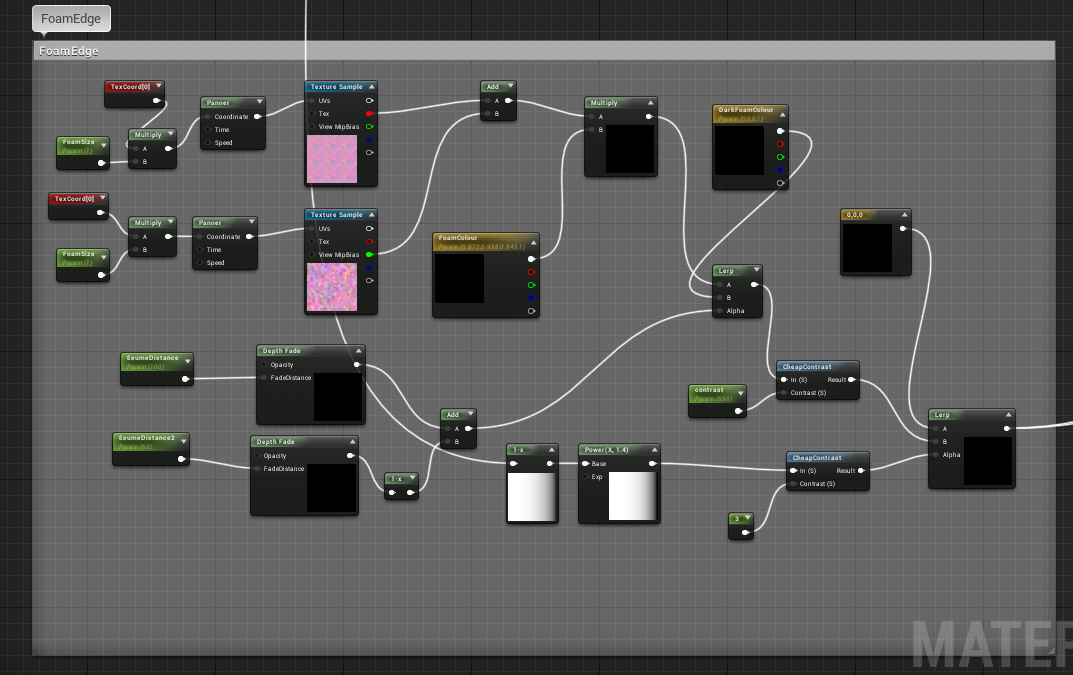
Foam edge around walls and objects
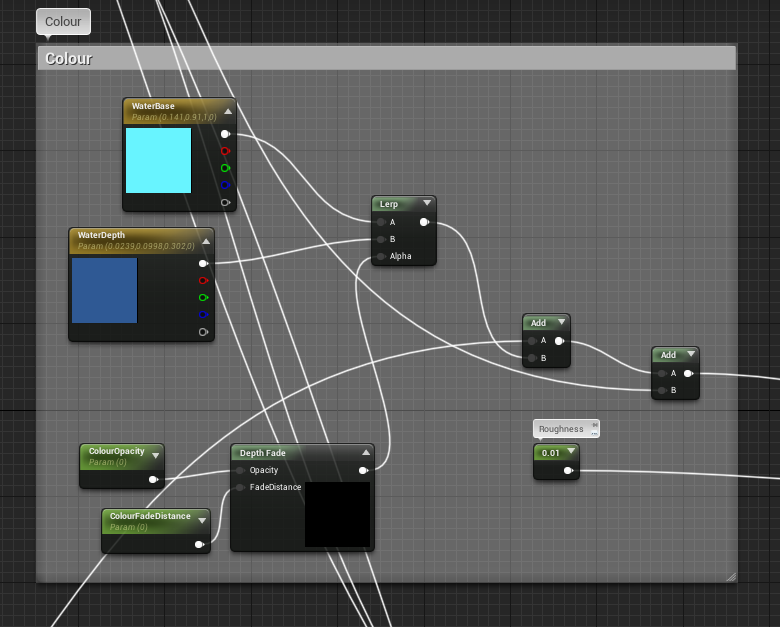
Colour depth fade
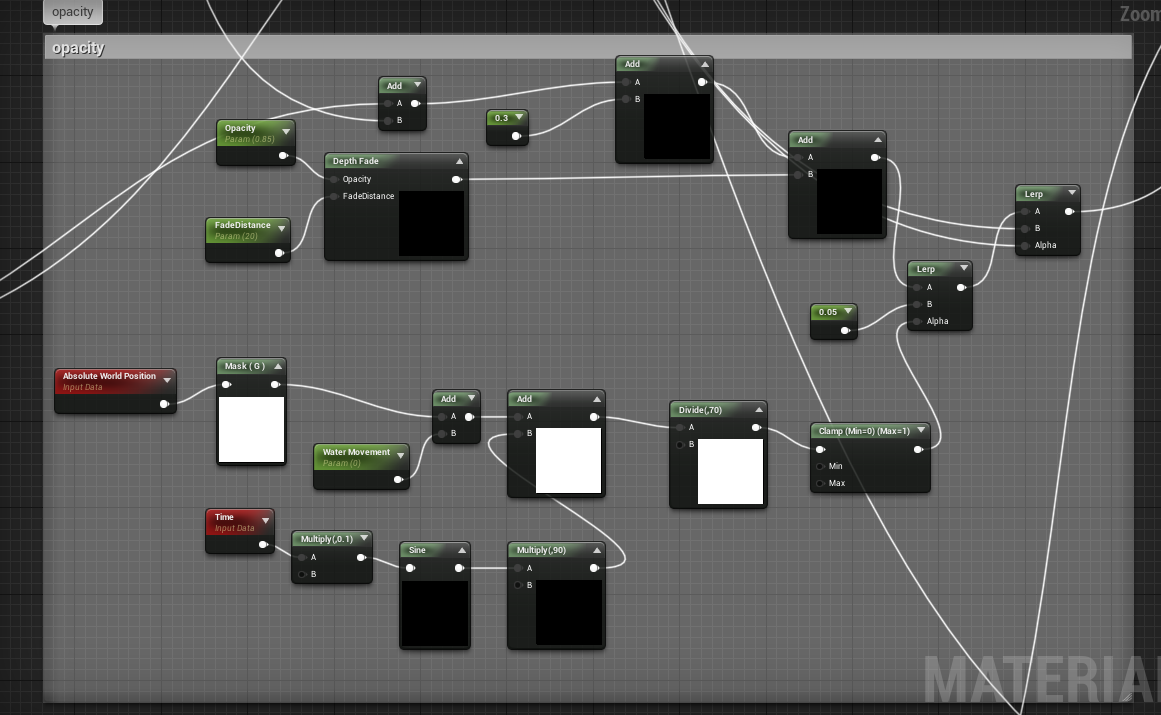
Opacity swinging backwards and forwards
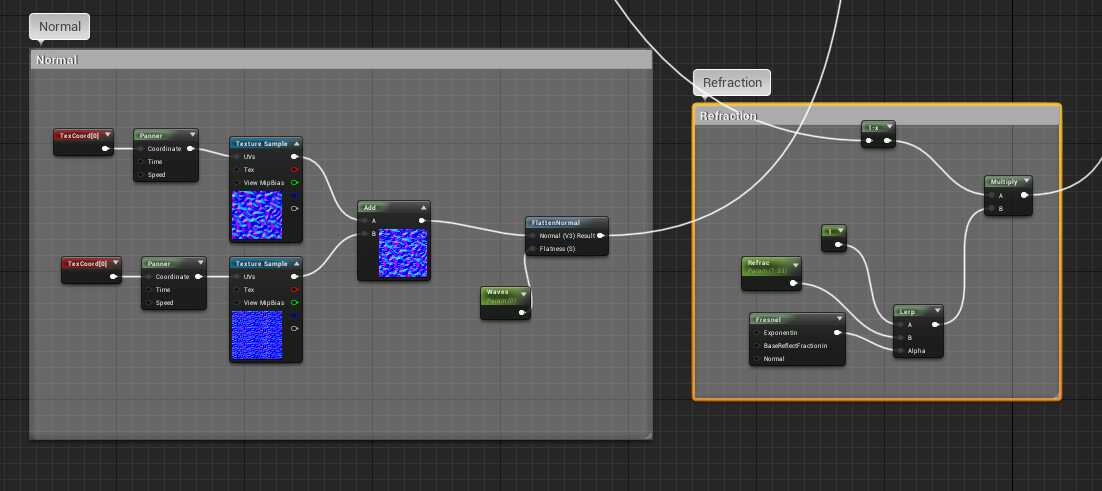
Normal map and refraction based on realistic water (1.33 refraction)


Tuesday, March 10, 2020

FMP Week 10 Tuesday

On Tuesday, I imported everything into UE4.

Water was added at a later date
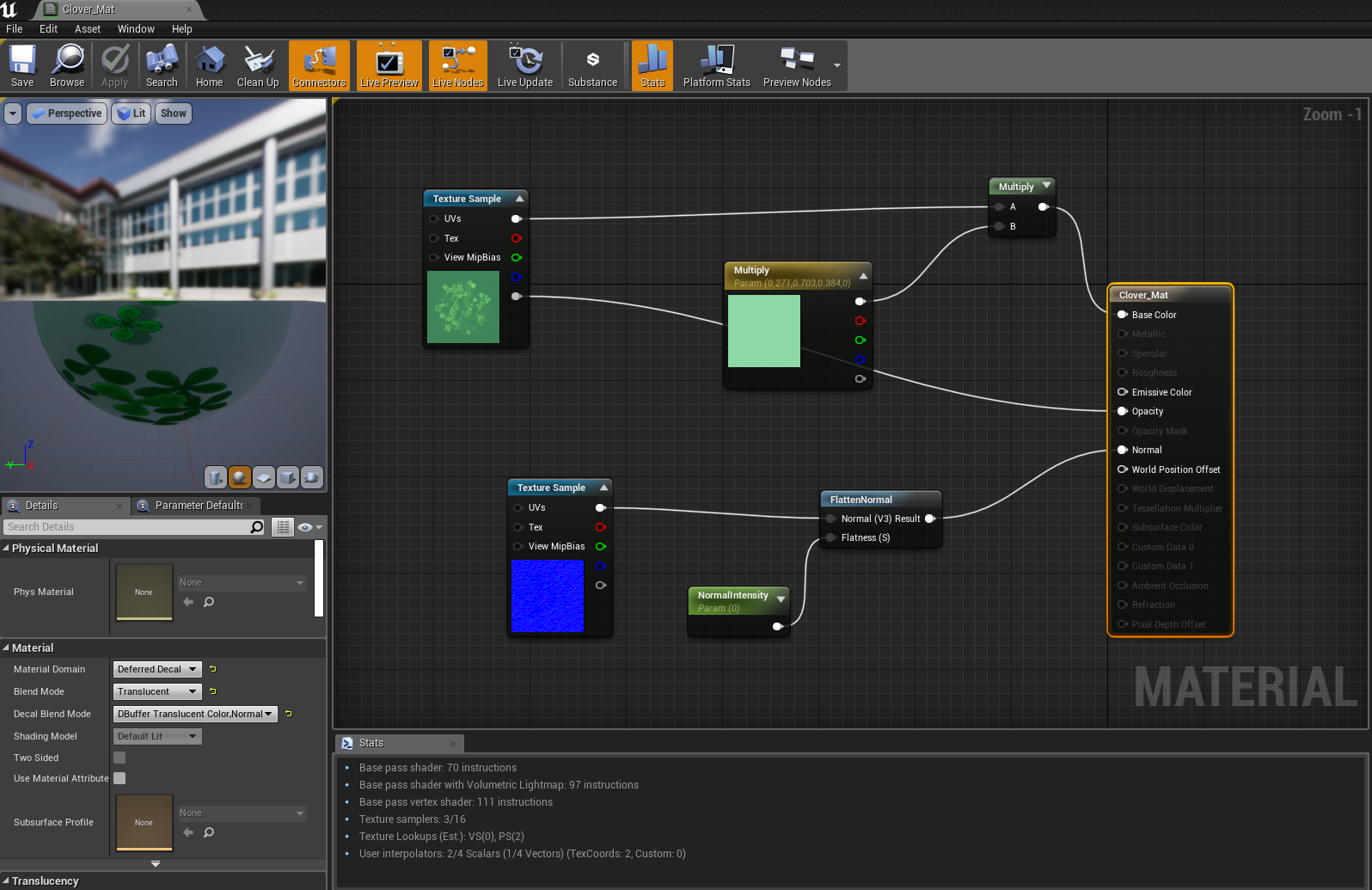
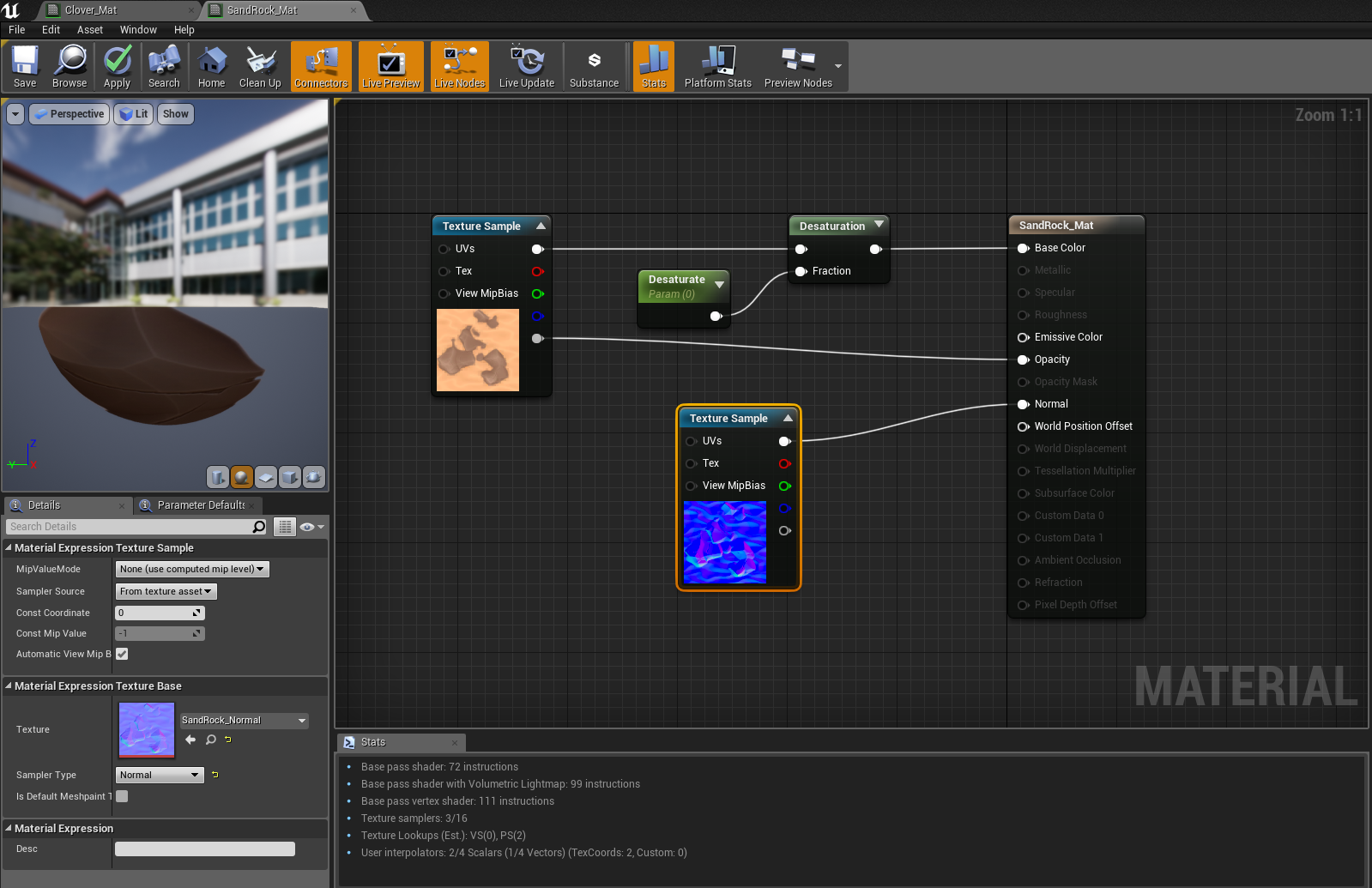
Material for the clover decal
Material for the rock decal

For the sand, I wanted it to swing backwards and forwards with the water, but wasn't sure how to achieve it. I ended up following this tutorial by snacko land.

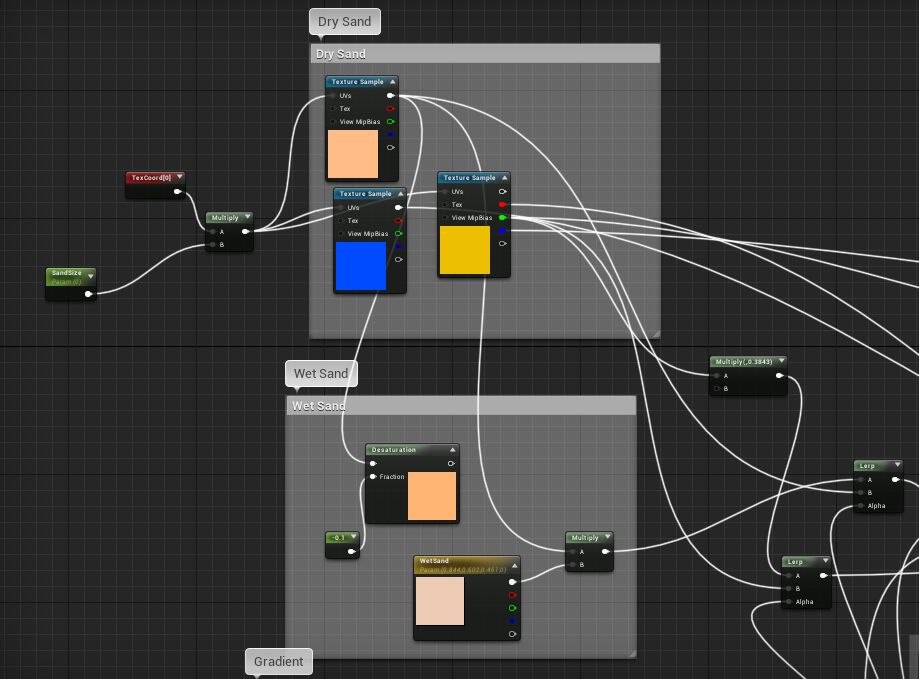
Material for sand and wet sand
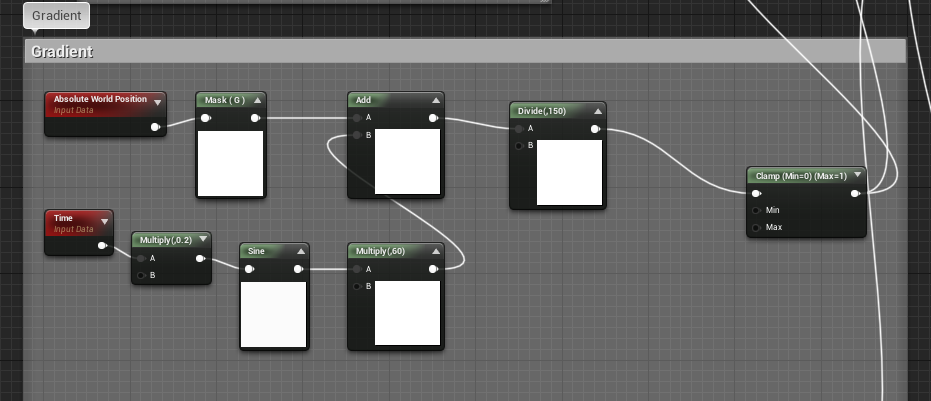
Animated mask for the wet sand moving back and forth in world space.

Monday, March 9, 2020

FMP: Week 10 Monday

On Monday, I made the cliff texture.
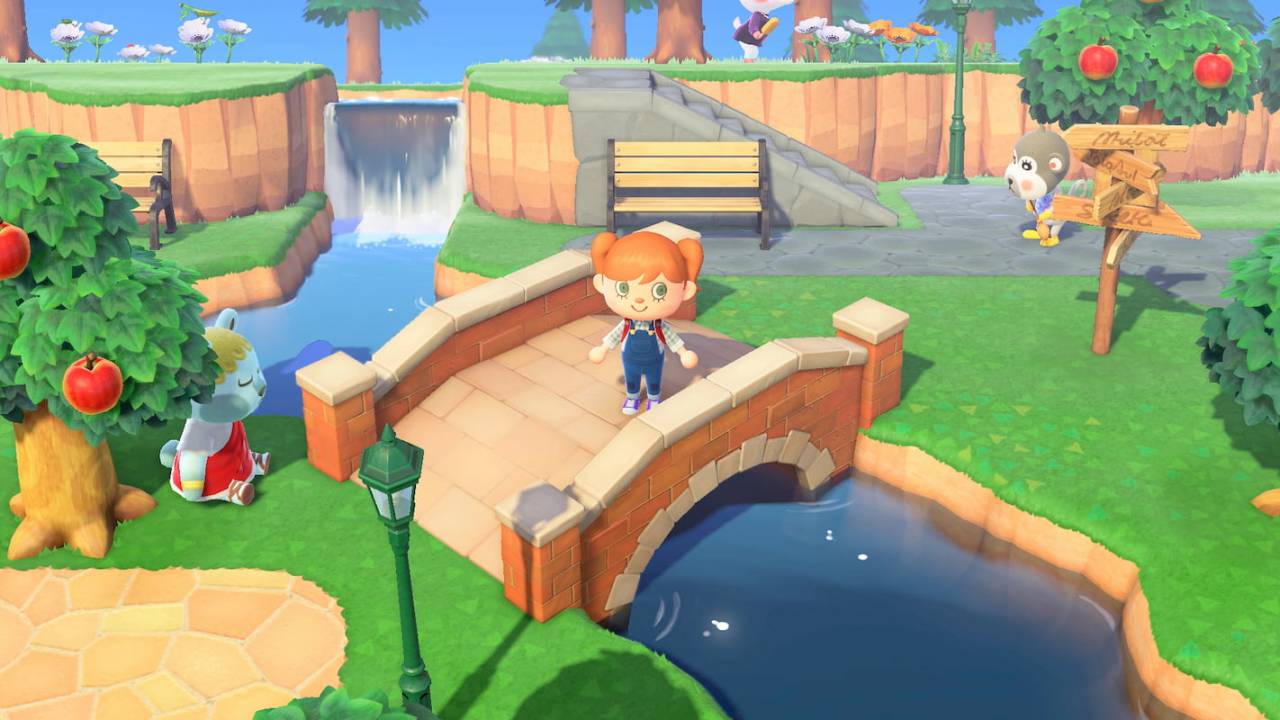
For this texture, I drew inspiration from the walls from animal crossing while still following the original concept:

After studying them for a bit, I noticed that they were pretty simple shapes with cracks going downwards. I wasn't sure how they'd blended the grass into the rock, but knew that I could achieve a similar enough effect by adding the grass edge to the cliff texture itself and have it only tile across. I imported the finished textures from the grass I had made previously, and added it to a mask with height applied:
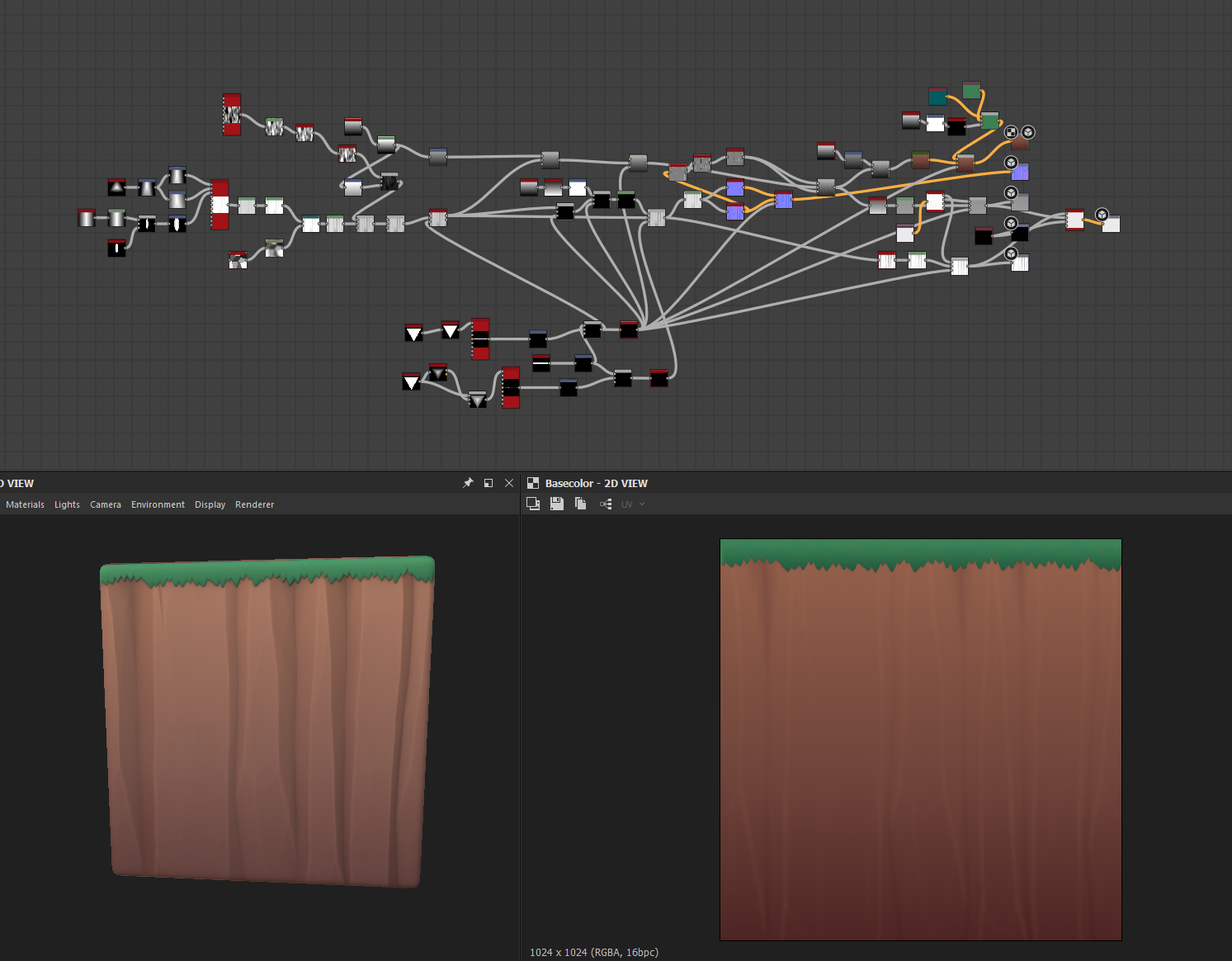
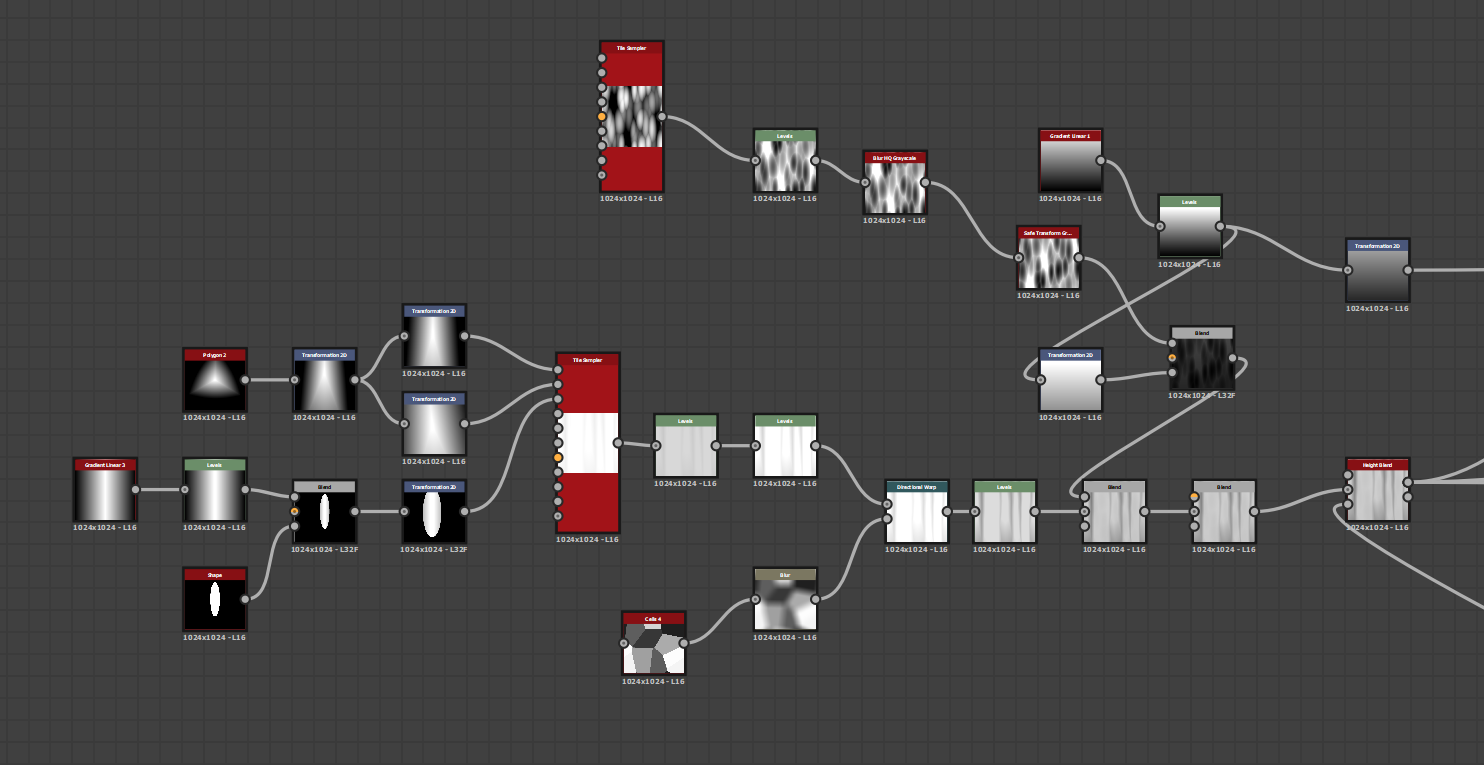
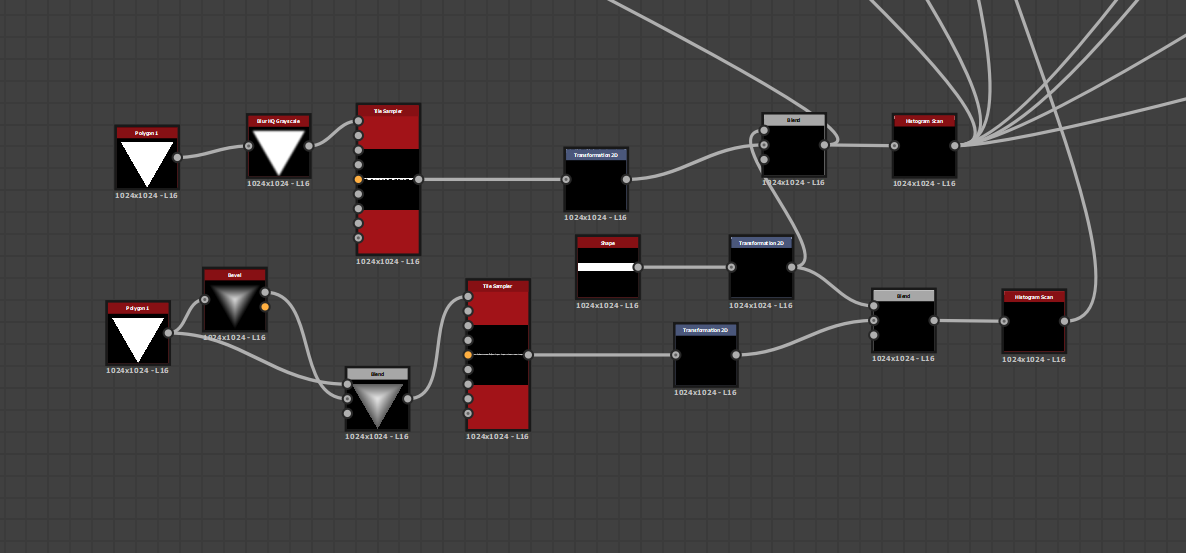
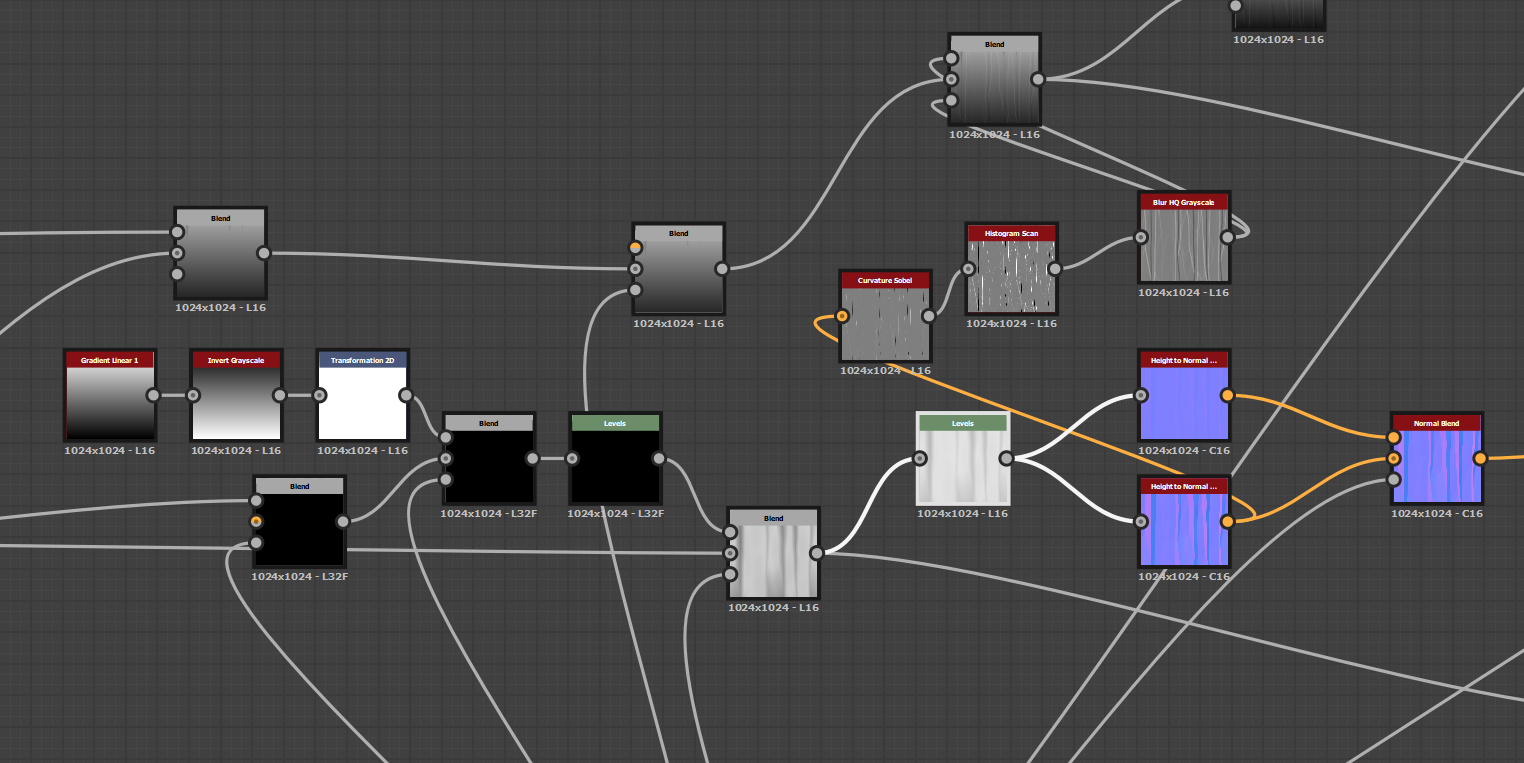
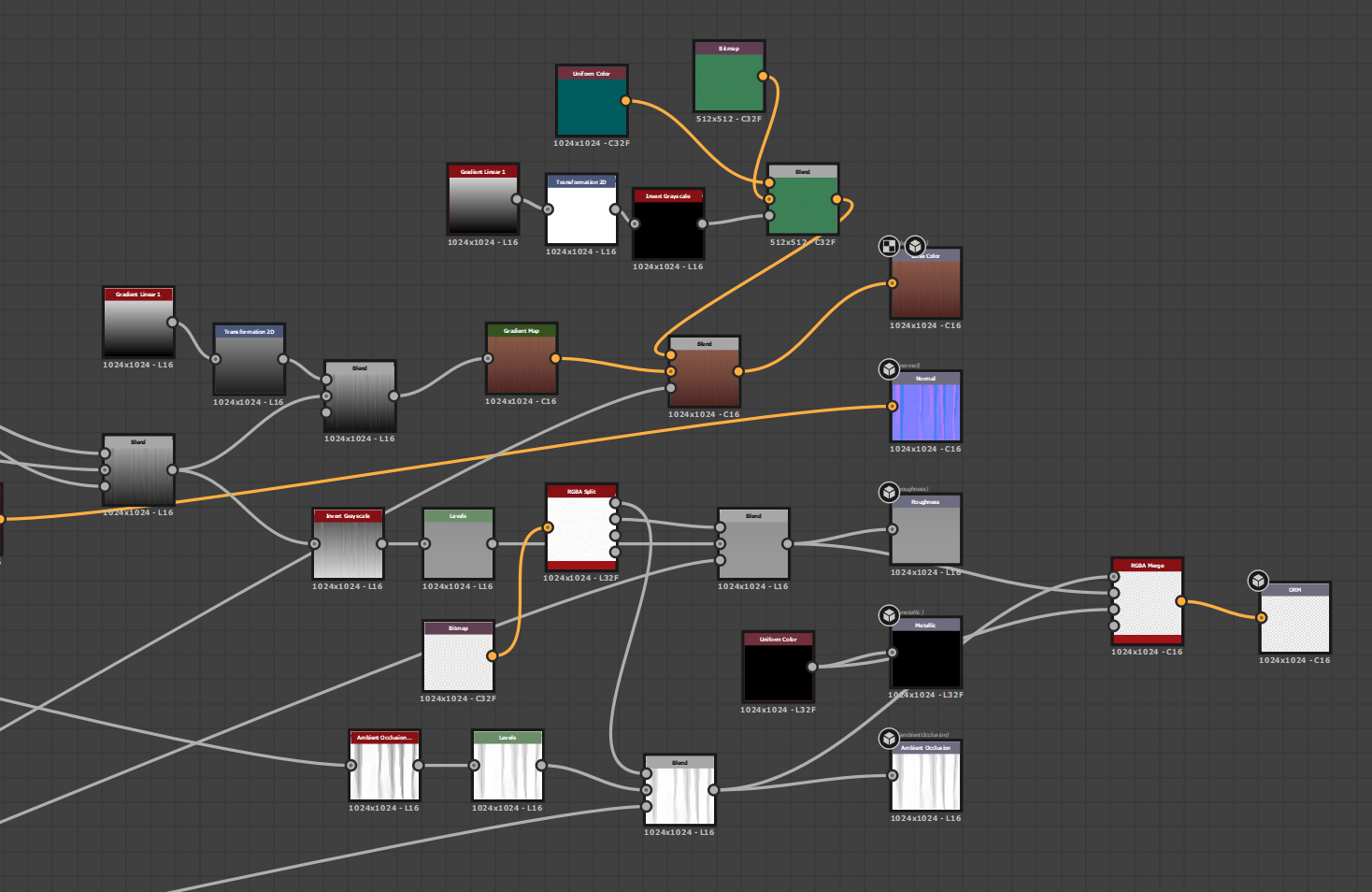
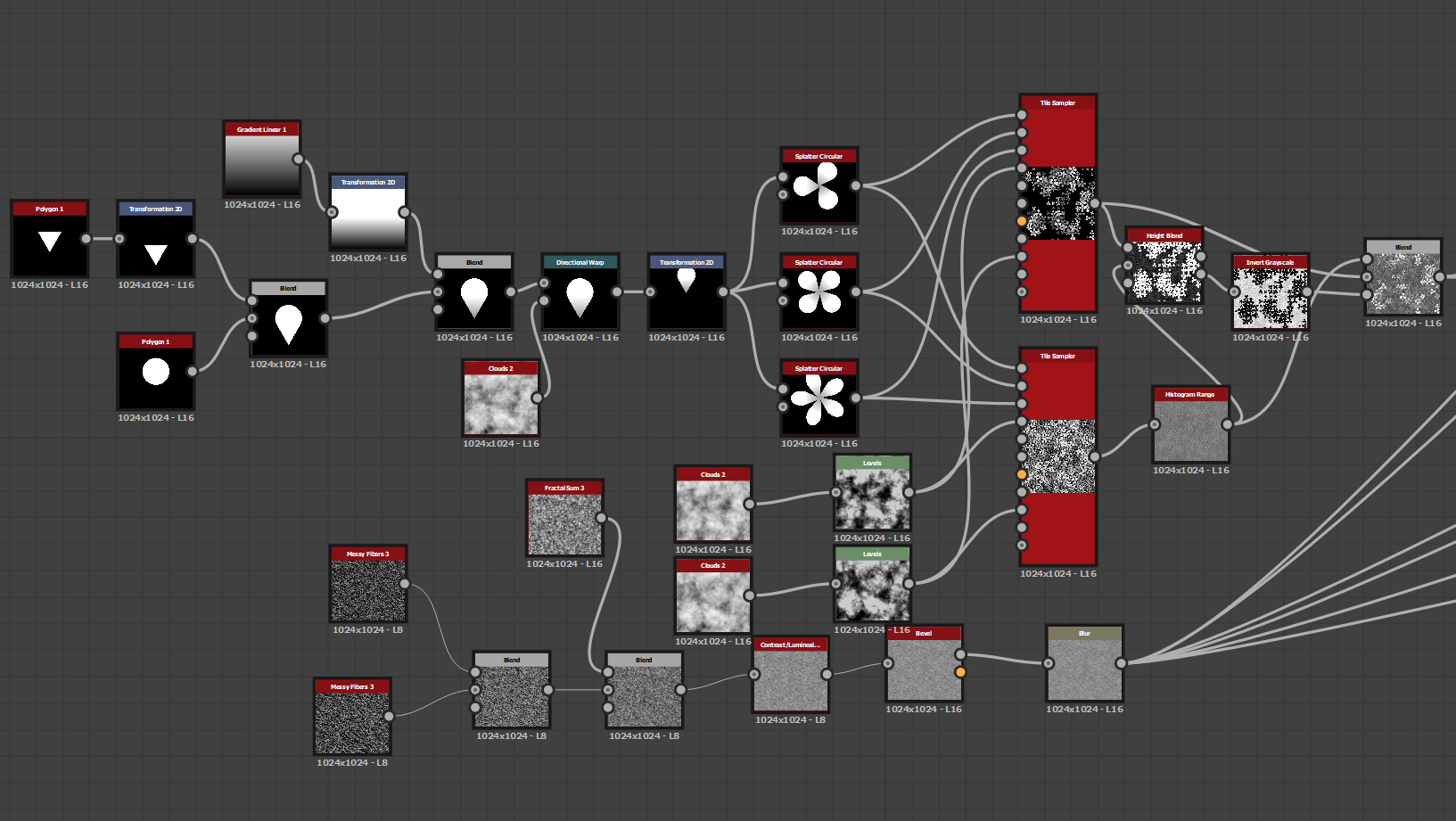
Graph for the cliff texture
Nodes creating the rock formation and edges
Nodes forming the grassline at the top
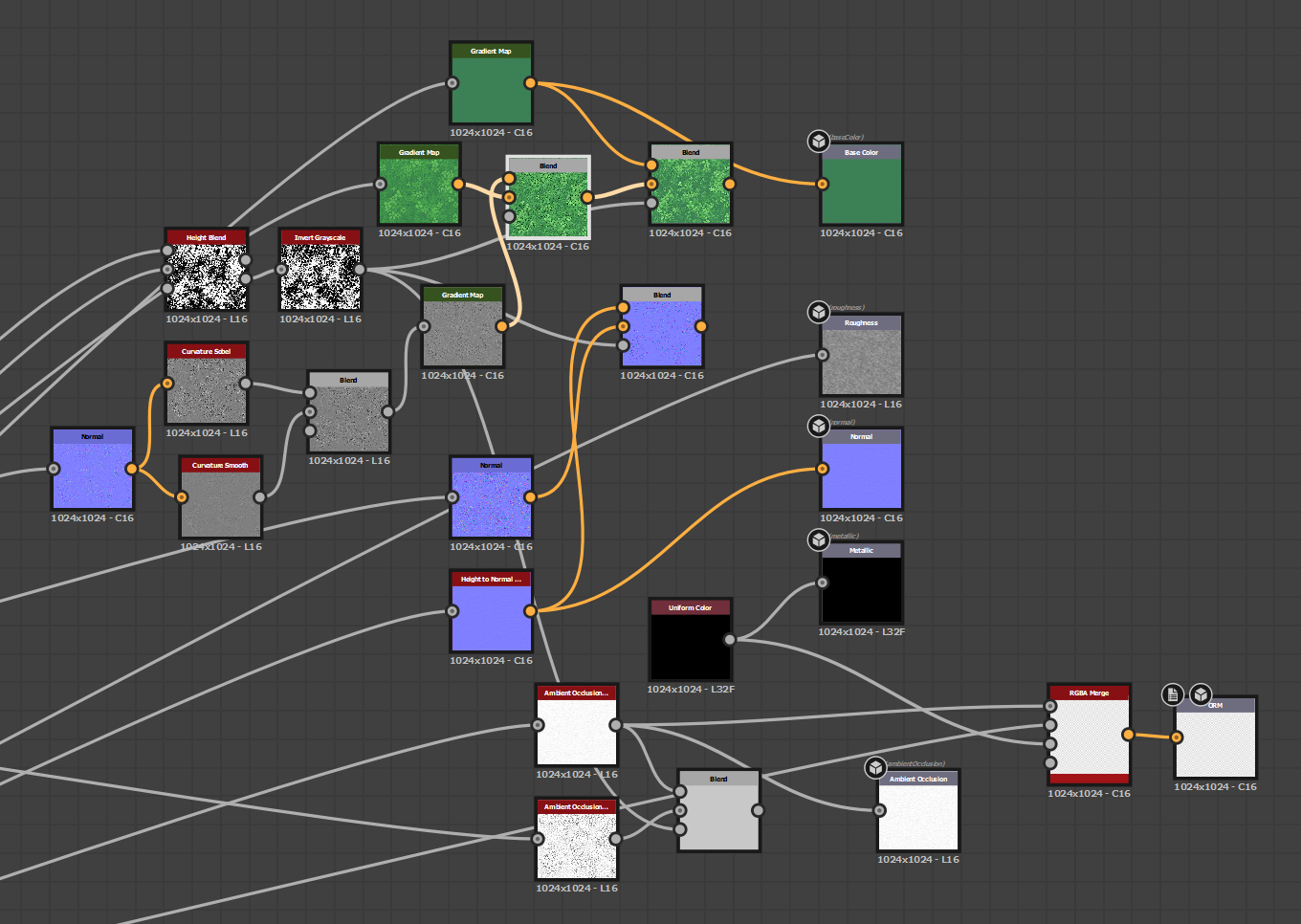
Nodes blending the two formations above, then using the generated normal map to add edge highlights to the base colour
Nodes being converted into the respective PBR channels, then into an RGBA merge for UE4

Friday, March 6, 2020

FMP: Week 9 Friday

On Friday, I moved onto creating the textures for the ground.

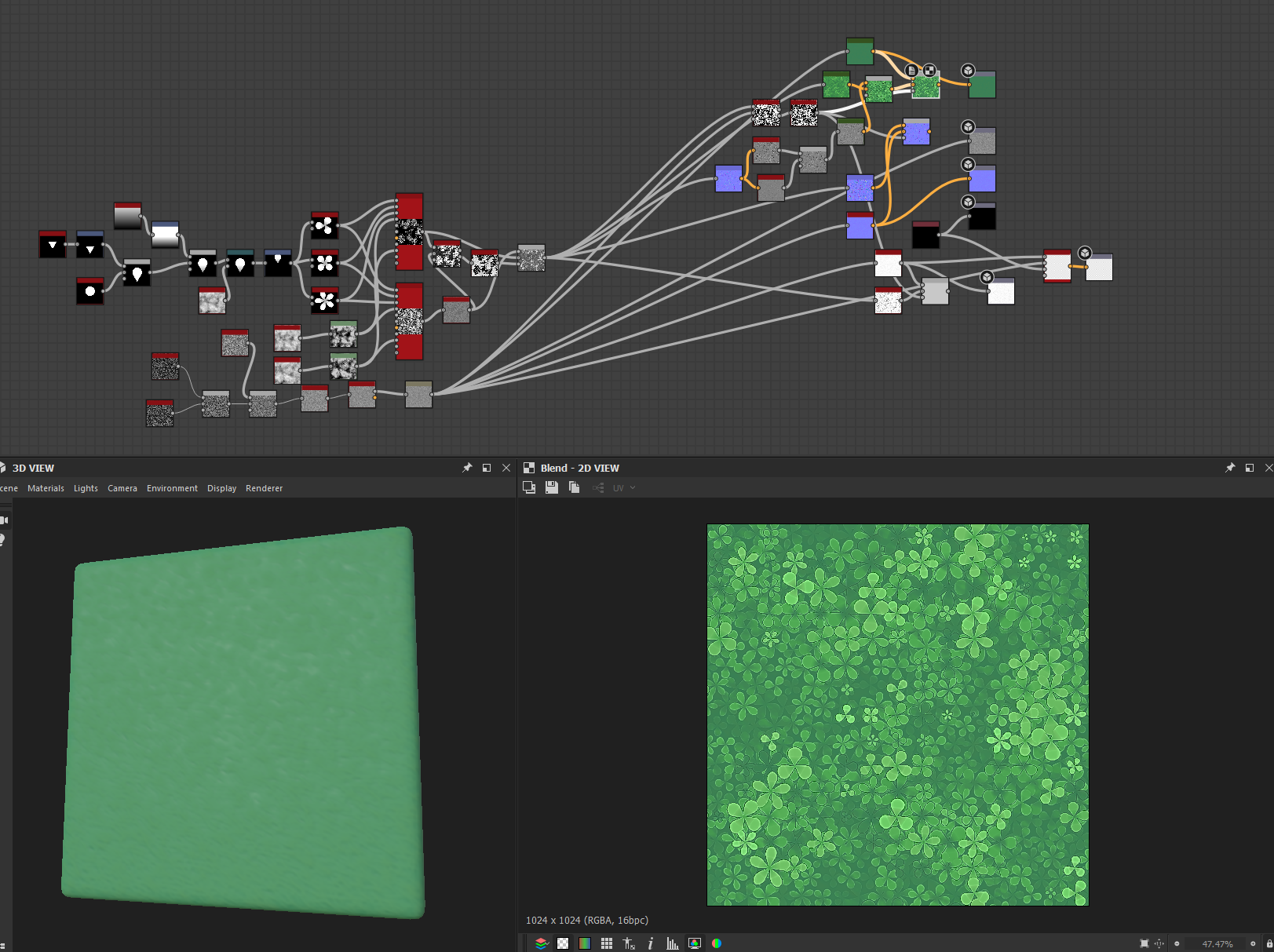
I wanted the grass to be a simple block colour with some noise, so that I could add in extra details with decals later. I ended up adding some clovers to the same file, as I wanted to see how they would look against the grass. I exported each one separately however, with the intent of having the clovers as a decal.
Graph showing both the grass and clover detail

Nodes creating both the clovers and the grass
2 sets of node outputs for the grass and the clovers

Thursday, March 5, 2020

FMP: Week 9 Thursday

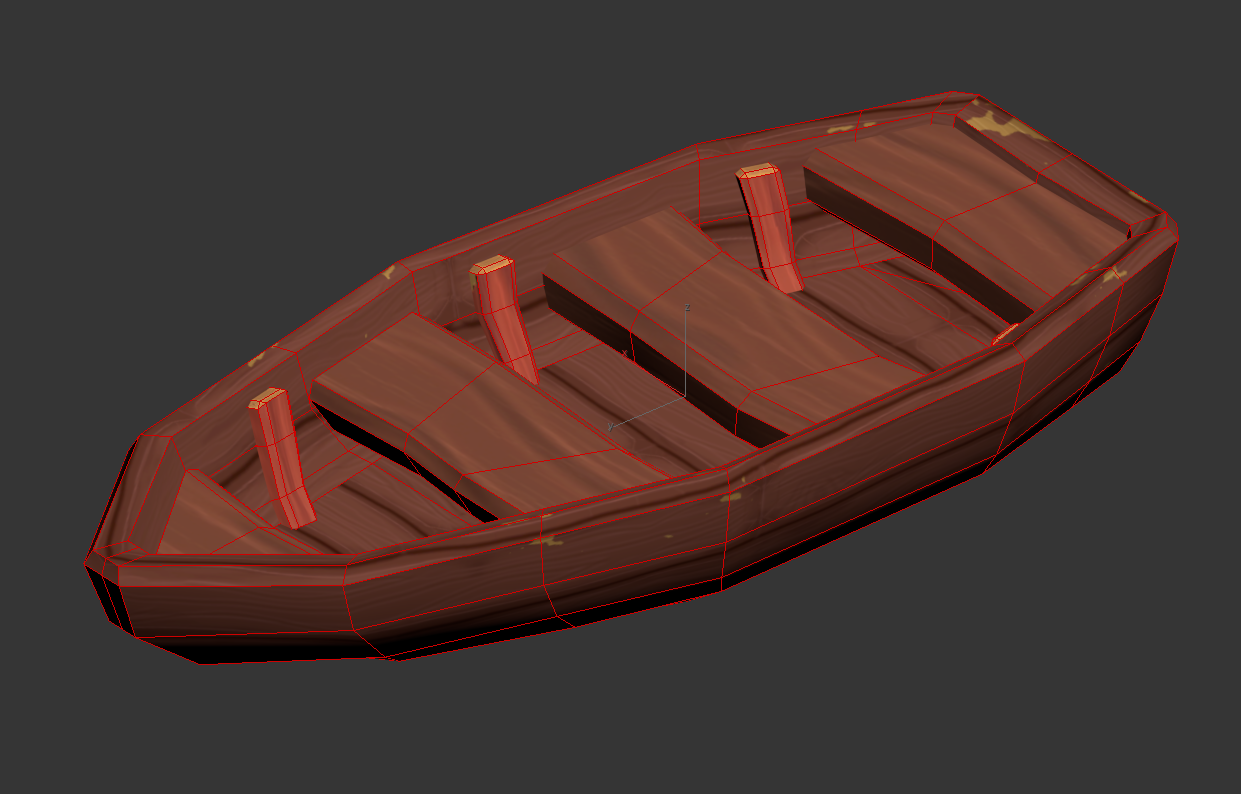
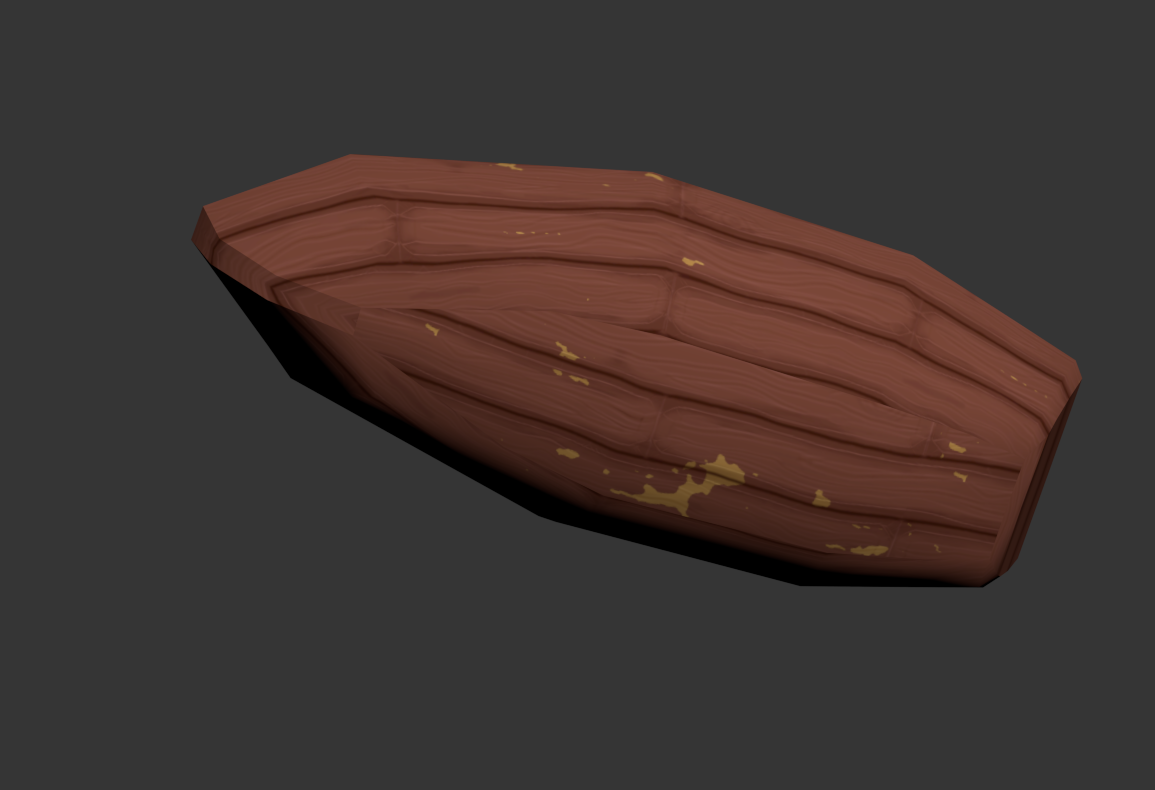
On Thursday, I applied the trims to the boat.
It took longer than expected as I had to figure out how to make the seams not stand out while not distorting the texture too much either. I also ended up bridging a flat floor to the boat too.


I had to sacrifice the seams on the bottom a little, but tried to place them in areas that would be less noticeable.

Wednesday, March 4, 2020

FMP: Week 9 Wednesday

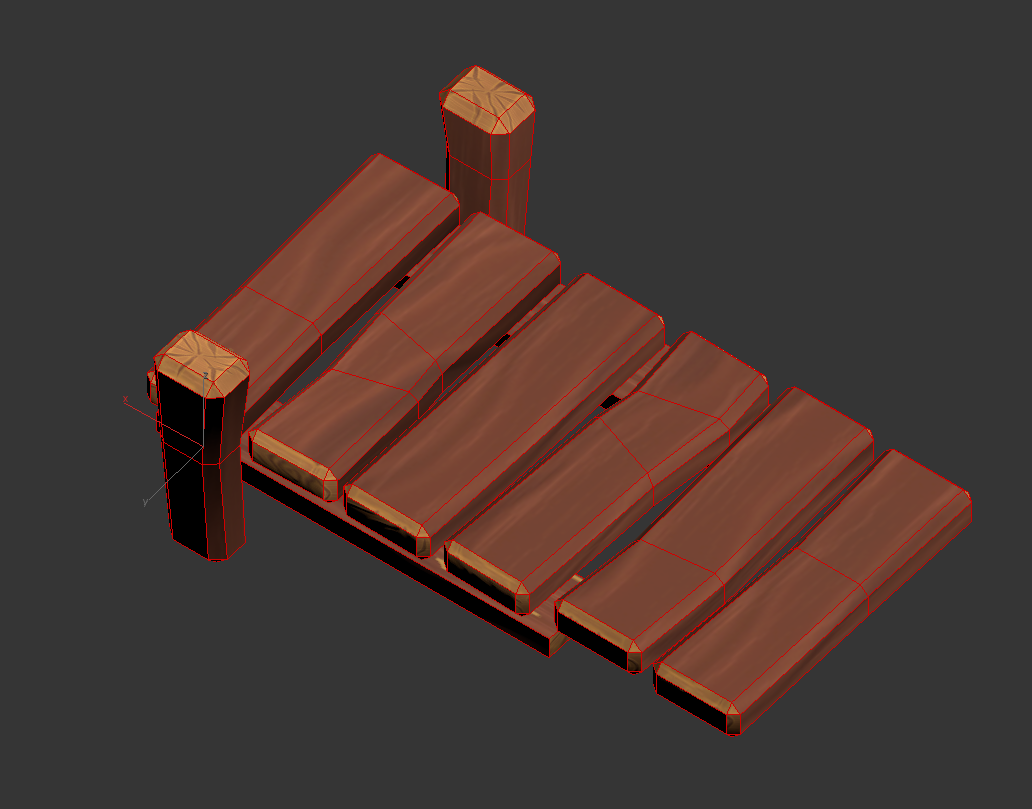
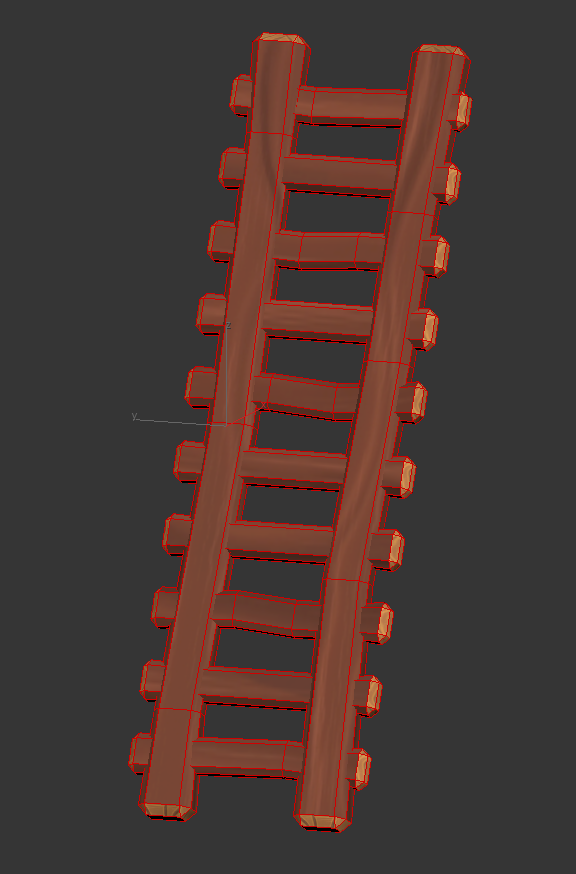
On Wednesday I moved onto the trims for the pier and ladder:

I added some extra topology to skew the planks a little, so that they wouldn't all be the same. I intentionally didn't chamfer the bottom planks as they would be less visible in the sand and water, saving on topology.
Originally, the ladder was two boxes with extrusions, symmetried. Before applying the trim sheets, I decided that it would be easier to apply them and would have less topology if I separated each plank and bridged the gaps, removing the unnecessary loops.

Tuesday, March 3, 2020

FMP: Week 9 Tuesday

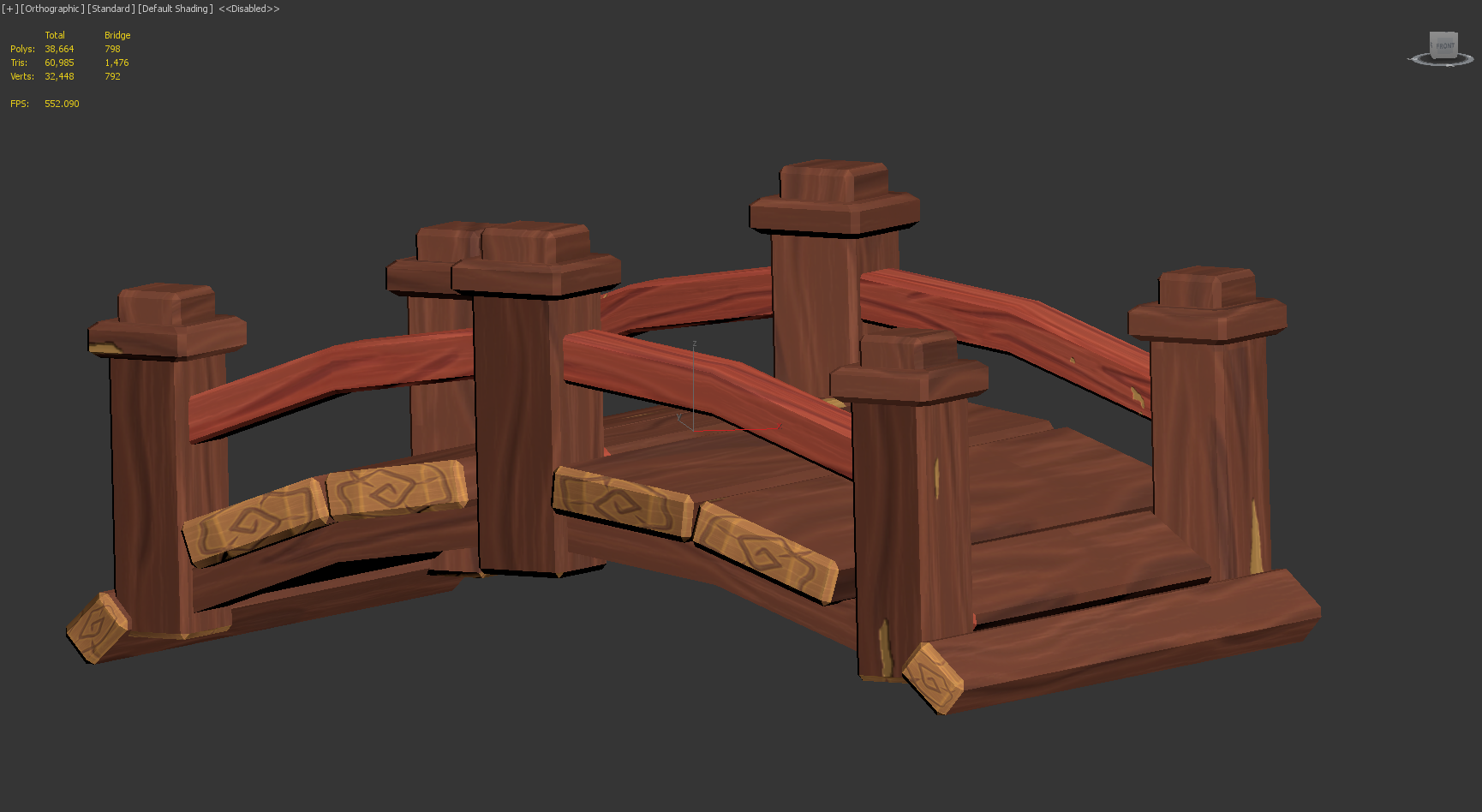
For the rest of the week, I started applying the trim sheets and tileables to other assets. On Tuesday I applied them to the bridge:


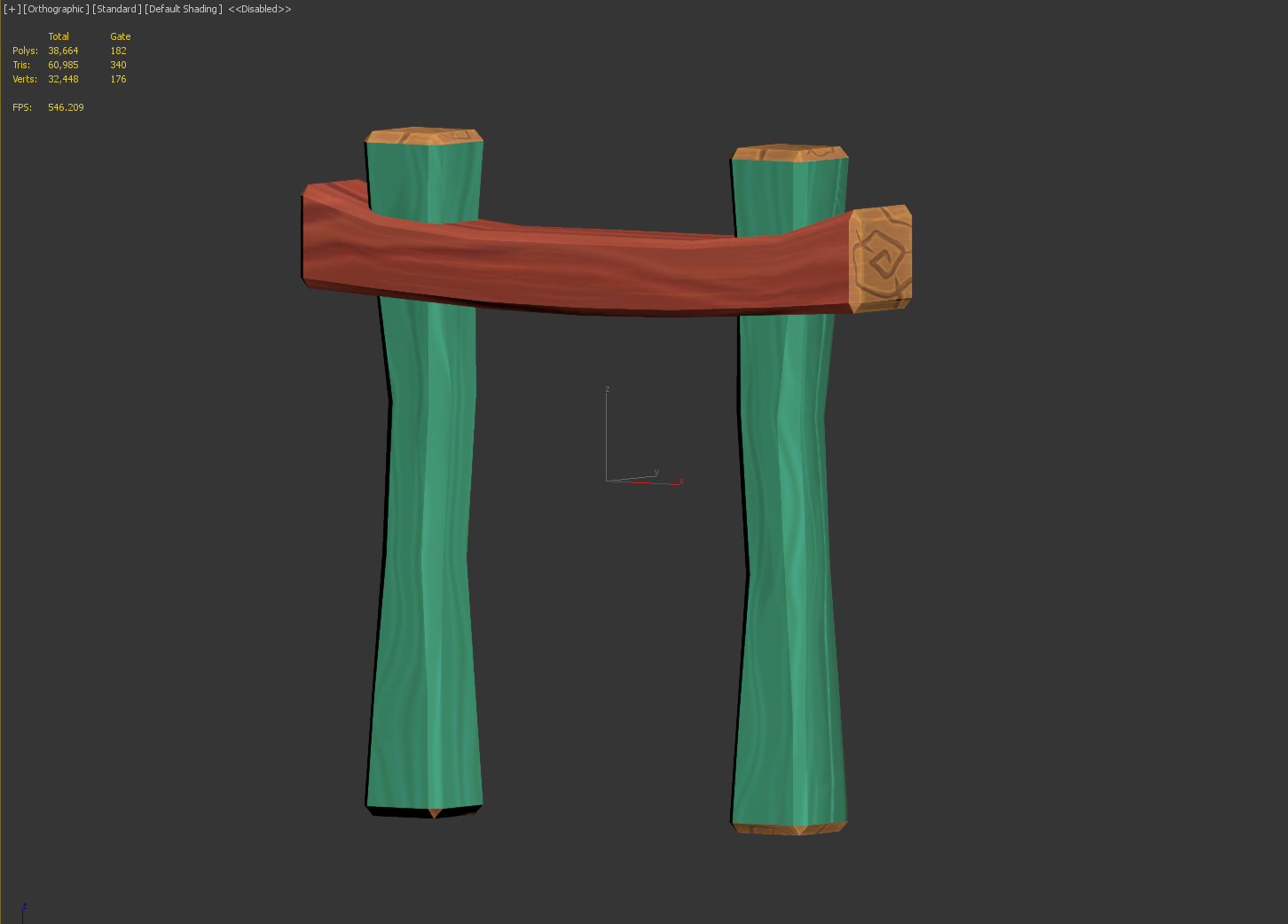
And the archway gate: