Showing posts with label Week 5. Show all posts

Friday, February 7, 2020

FMP: Week 5 Friday

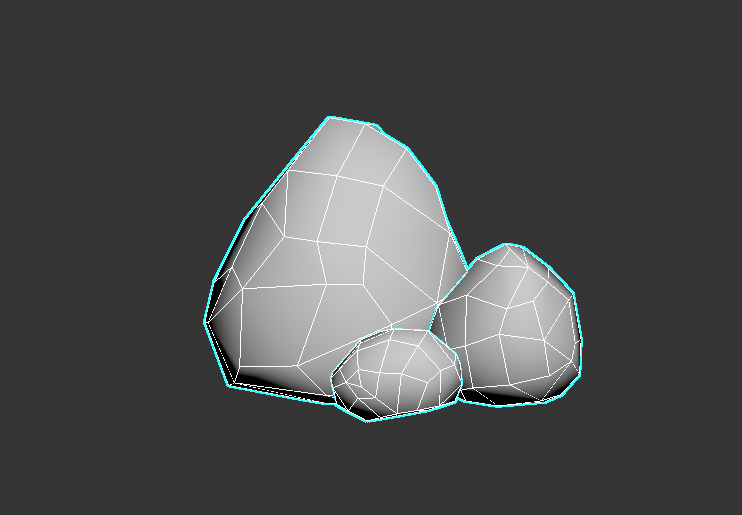
On Friday, I started retopping the rocks and adjusting the lowpoly versions of items that I hadn’t sculpted so that they had on a similar mesh density.

The topology was intended to imitate the edges of the sculpt in the silhouette, but I decided later to remove some of the topology as it seemed to be too dense for what I wanted.


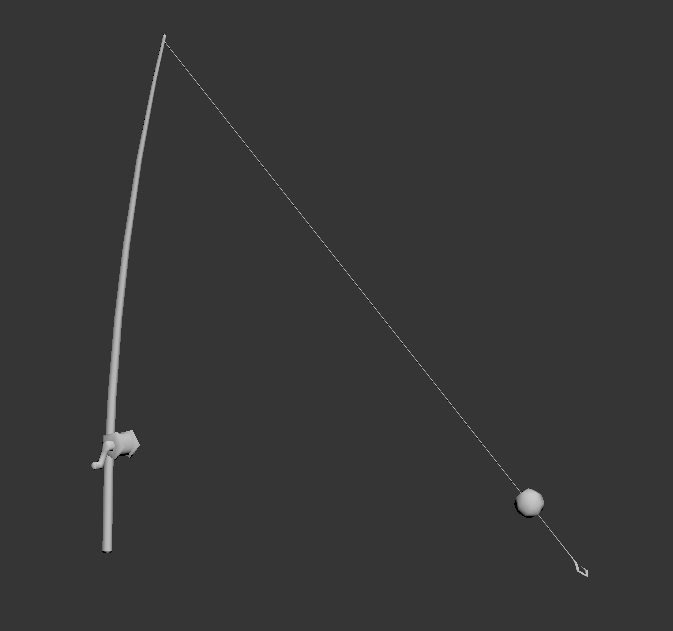
I also modelled a new item, a fishing rod, to be placed near the bridge. I used a cylinder with a taper modifier and a curve modifier, then extruded a thin rectangle from the tip of the rod. I added extra topology to this with the intention of adding physics later. I created the hook by cutting a shape into a plane and then using the shell modifier, deleting the top and attaching it to the end of the fishing line. The bobber was a spherified cube and the bobbin was a cylinder with extruded areas that was then chamfered. I decided not to connect the fishing line to the bobbin to save topology as it is such a fine detail, instead intending to paint some details in substance painter to suggest the presence of it instead.


Thursday, February 6, 2020

FMP: Week 5 Thursday

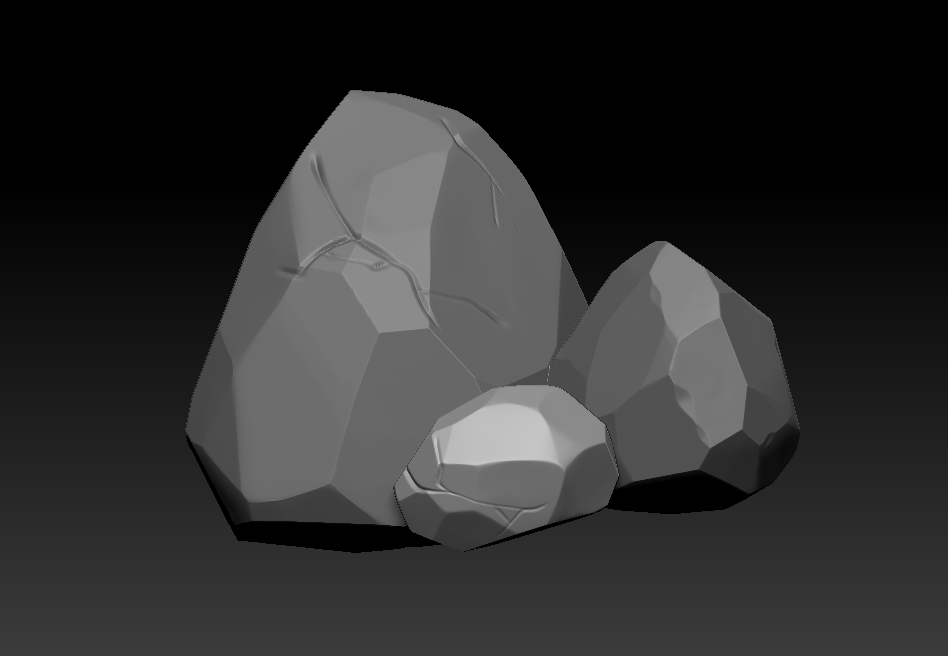
On Thursday, I started sculpting the rocks with the intention of using them in modular building later, so I modelled 3 different sizes of rock. I exported the original blockout rocks from 3ds max into zbrush, subdivided them and used the orb flatten edge protect tool to create the edges. I also used the trim tool to cut into the rocks further with the silhouette in mind.

After this, I used the orb cracks brush to make cuts in the surface, avoiding adding too much detail so that the stylisation would fit with the rest of the assets.


Tuesday, February 4, 2020

FMP: Week 5 Tuesday

On Tuesday I moved onto the next criticism I received, which was that the chest fur felt more like back fur in the way it came out from the shoulders. To solve this, I auto selected polygroups in the mesh and deleted individual tufts that branched out too widely across the chest. I then followed advice to add another layer of fur tufts to add visual interest and silhouette. Do this, I considered the options of either using using the curve brush to create the tufts and then deform them to stick upwards, or to model a curved plane coming out of the chest and painting the curve brush strokes directly on top of that to follow an easy upwards curve, without any potential errors in deformation. In the end, I combined the two ideas and used the plane to begin with, then the topological move tool to adjust them as well as the curve tool in the mesh menu. I adjusted the tufts a lot so that they would be proportional to eachother in both size and placement on both sides of the model while still having variety in form.
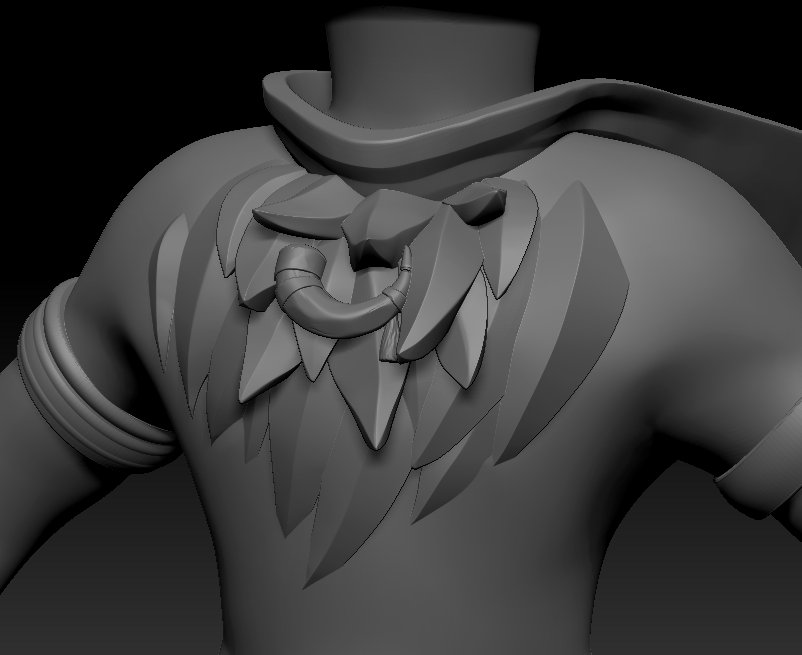


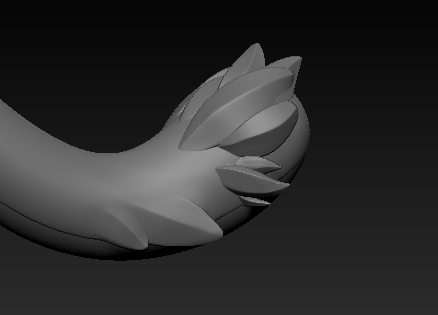
I also added some tufts onto the tail using the move tool, pinch and hpolish to follow closer to the concept.
Monday, February 3, 2020

FMP Week 5: Monday

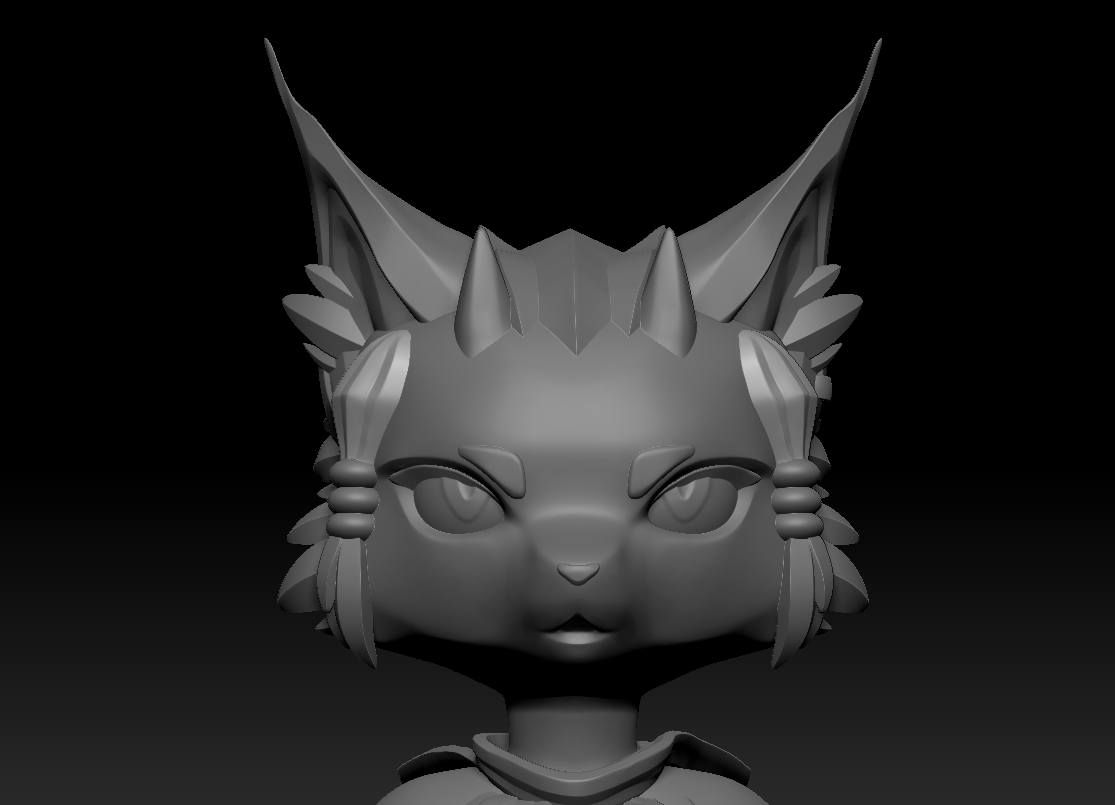
On week 5, I worked on following the feedback given to me in my presentation. On Monday I focused on tilting the ears and fur tufts outwards more to create a more interesting silhouette.


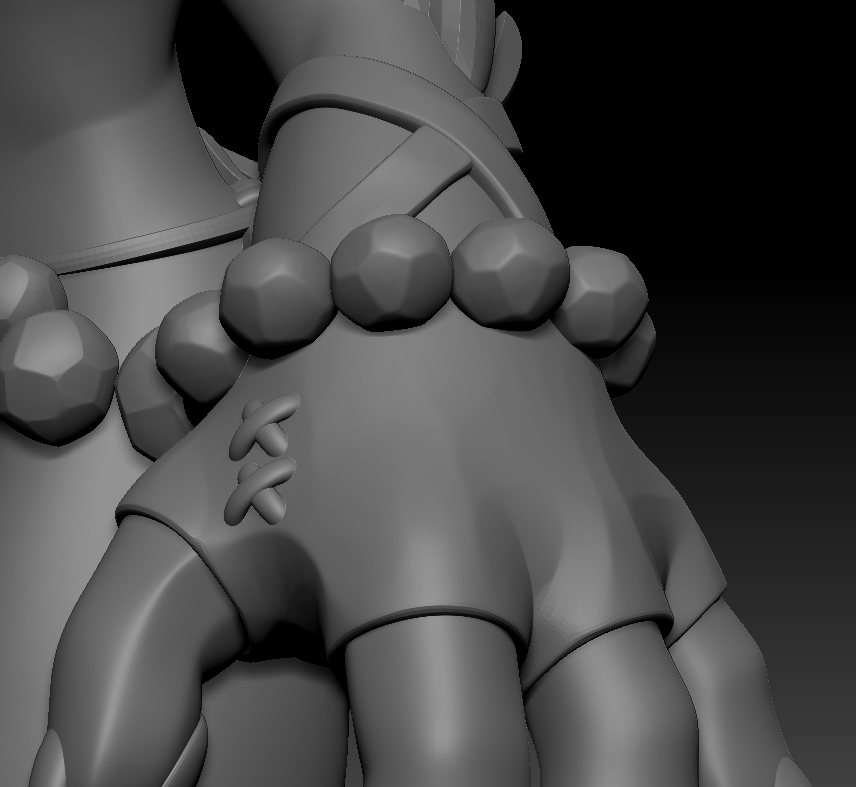
I also remade the gloves so that the straps would overlap eachother while maintaining a clean edge using polygroups and creases. I then added extra detail on the gloves to follow the concept, where I placed a cross stitch between the thumb and fingers using an insert mesh brush and then deforming the subtools.